Otherwise, only the UID can be detected. The real mystery is why Apple refuses to open the low-level read commands. (To read NDEF, or determine that the data is _not_ NDEF, you need to read the card.)
MIFARE Classic uses a mandatory, proprietary (presumably still patented) encryption algorithm even for "world-readable" cards, on top of the ISO 14443-3 standard. I'm not even sure whether Apple could legally offer that capability without licensing it from NXP.
On Android, only devices with an NXP chip support these tags for the same reason.
You could argue that Apple could just provide even lower layer access to the contactless interface to allow apps to implement it in software, but I'm not sure if that's feasible (due to timing constraints).
(Note that the article doesn't specify which MIFARE tags it is about. If it's MIFARE Classic, something must have changed, and maybe Apple has licensed the required NXP patents? DESfire should work with iOS without jumping through any hoops, since that implementation is ISO 14443 compliant all the way up to -4.)
Back in 2015 I was tech lead for a modern (web based) SaaS library management system and getting it to work with RFID tags with a wrapper application was all sorts of fun and games.
We got RFID library tags working on Android, but with iOS locking down NFC access it turned out to be impossible and we had to get libraries to buy bluetooth connected RFID scanners.
This is one of those cases where I know I really should investigate further, but I'm taking this one step at a time. Perhaps digging in to the "why" will become a follow-up post
Actually, I have all the components, so I'll try this now and report back.
Probably some "magic key" ID.
But this is not my area of expertise. It's a cool story, though, and why I like hanging here. Considering getting a Proxmark and the NFC Tools app, just to play around.
For purchase, there are many form factors: https://store.gototags.com/nfc-tags
On Amazon, search NTAG215.
I actually have a hotel keycard taped to my washing machine to do some laundry-based automation with my phone. Maybe I should write about that sometime..
MIFARE Classic supports (completely broken and for this use case) useless encryption and doesn't work with some Android devices, as they're not really a part of the standardized NFC stack.
If you want to get really fancy, you can also get a Java Card based smartcard and install an NDEF application yourself. You could then also install a FIDO application and use the same card as a "homebrew Yubikey" :)
are the tags I have, and https://apps.apple.com/us/app/nfc-tools/id1252962749 is the app I used (which is the same as the one used in the post).
The number of obnoxious people/guerilla ad companies that printed and programmed NFC tags and stuck them in random places was way too high. In some cases, they would replace the businesses QR code with the NFC tag. In some cases that NFC notification would pop up instead of the business’s menu. Quite annoying.
Then there was a case where the person stuck the raw tags _under the table_, so putting your phone down in random places would spam this notification on your screen.
I'm personally not a huge fan of needing to use NFC tags in the real world (parking meters use them for payment around here), but I do like creating tags.
Card emulation is a thing now: https://developer.apple.com/documentation/corenfc/cardsessio... (edit: only in the EU)
And iOS as well as iPadOS now also support USB smart card readers. iPads can actually use them to access NFC FIDO tokens. (Why iPads don't have native NFC is completely beyond me, there are so many obvious use cases for it)
Oh, that's very cool!
Apple seems to silently be implementing more and more features to make iOS/macOS a full-fledged smart card OS; I've also noticed that FIDO over CCID is now available natively on macOS, and by extension in Firefox and Safari via WebAuthN (which finally lets me use my smartcard form factor FIDO authenticator).
If you can send/receive APDUs you're good to go.
Do you know if Apple requires any special permissions/entitlements to create VAT passes, or does a normal pass certificate suffice?
At least Suica train cards(based on FeliCa/NFC-F) on iOS can be read from third party Android apps, and Apple do advertise iPhone feature to store corporate IDs, so the idea of using iPhone for gate tap-in card should be completely fine.
It's not accessible to "regular" app developers in the way it is for Android.
ISO 14443 reader access has been available globally, so if you're fine with having to open an app before an interaction with a reader, you could have the reader perform card emulation, and the phone "read/write" it like a tag, i.e. send APDUs which the device behind it then interprets.
Those terms are in turn set by the partners that asked for these technologies to be developed in the first place. And so any development gets slowed to a crawl in this space.
In a simple sense, NTAG cards can do NFC things, but MIFARE can do lots more (access control for example)..and also NFC things..somewhat.
Magic mifare refers to special cards that let you bypass the write-lock of genuine mifare cards. These are mostly used for cloning keys (either for red-team pentesting or for people who want a copy of an office key for whatever reason)
MIFARE Classic uses a proprietary and mandatory encryption/authentication algorithm and is therefore not ISO 14443-4 compliant. As a result, NFC-compliant readers don't need to support it, and in fact non-NXP ones (including many popular Android phones) usually don't.
On the other hand, as you say, MIFARE Classic supports capabilities beyond NFC/NDEF, but there are fully NFC-compliant tags that do so as well (e.g. MIFARE DESfire, which properly stacks encryption in an ISO 14443-4 compliant way).
Here's the first 6 blocks of the card after I ran through the instructions of the post, then a ndefformat-only card (that never touched an iphone).
[=] 0 | 0 | 00 56 78 BB 95 08 04 00 02 B2 1E 24 23 27 1E 1D | .Vx........$#'.. [=] | 1 | 14 01 03 E1 03 E1 03 E1 03 E1 03 E1 03 E1 03 E1 | ...�.�.�.�.�.�.� [=] | 2 | 03 E1 03 E1 03 E1 03 E1 03 E1 03 E1 03 E1 03 E1 | .�.�.�.�.�.�.�.� [=] | 3 | A0 A1 A2 A3 A4 A5 78 77 88 C1 89 EC A9 7F 8C 2A | ......xw.......* [=] 1 | 4 | 00 00 03 12 D1 01 0E 55 04 65 77 70 72 61 74 74 | ....�..U.ewpratt [=] | 5 | 65 6E 2E 63 6F 6D FE 00 00 00 00 00 00 00 00 00 | en.com�.........
[=] 0 | 0 | 00 56 78 BB 95 08 04 00 02 B2 1E 24 23 27 1E 1D | .Vx........$#'.. [=] | 1 | 14 01 03 E1 03 E1 03 E1 03 E1 03 E1 03 E1 03 E1 | ...�.�.�.�.�.�.� [=] | 2 | 03 E1 03 E1 03 E1 03 E1 03 E1 03 E1 03 E1 03 E1 | .�.�.�.�.�.�.�.� [=] | 3 | A0 A1 A2 A3 A4 A5 78 77 88 C1 89 EC A9 7F 8C 2A | ......xw.......* [=] 1 | 4 | 03 00 FE 00 00 00 00 00 00 00 00 00 00 00 00 00 | ..�............. [=] | 5 | 00 00 00 00 00 00 00 00 00 00 00 00 00 00 00 00 | ................
Going to look further at the actual data in the first 3 blocks momentarily.
On the other hand, the fear of permanently bricking it or messing up the GlobalPlatform card management key has so far prevented me from doing it myself...
Many people get the small xEM or xM1 first to play with.
* https://dangerousthings.com/product/apex-flex/ * https://dangerousthings.com/product/xm1/
Good point, although at some point you'll want to make sure your reader implements anticollision properly :)
..yes.
Hopefully getting that installed later this week :)
ISO 14443 card reader functionality has been made available some iOS versions before, but it's still restricted (e.g. you can't select any "payment" ISO 7816 applications, you have to predefine the list of AIDs you want to be able to select, and you don't have lower layer access to ISO 14443).
I'm not aware of any announcements to further open up "reader" mode.
- The EEA-only HCE (which lets you emulate the card in your app in software, for a limited list of use cases, which makes it a non-starter for fully offline systems unfortunately, as there's no protection against exfiltrating any keys from the app), and
- The some-non-EEA-countries-only "full smartcard access" solution, which requires you to pay Apple and do a ton of (presumably also very expensive) certification.
So for different reasons, neither is something in scope for hobbyists at the moment, unfortunately.
If my Android phone wasn't dead, I'd love to compare an iPhone's write against the Android NFC Tools app's write.
If anyone else has an iPhone, an Android phone, and a Proxmark, I'd be interested in seeing a three-way diff between them all.
EDIT: I'm going to try to cross-post to the DT forum to see if anyone has ideas.
Gen 1, 1a, 3 and 4 all use special commands to unlock and edit block 0.
Gen 2 treats block 0 as always being r/w. This allows Android phones to directly write to it (but also makes it possible to lock the card).
In terms of pm3 commands, "auto" tries everything. You might also want to use "lf search" or "hf search" to only try one of your antennas and not the other.
The actual Magic part isn't really important here, since my phone doesn't even care about block 0. It just makes it easier to read and wipe the card when you have the extra command set at your disposal.
I've found the people over in the DT forum are pretty helpful with the cloning and usage aspect of things: https://forum.dangerousthings.com
Additionally, Iceman's Discord people has tons of smart people: https://discord.com/invite/iceman
Make a dump after doing "hf mf ndefformat".
Then make a dump after writing a payload from an iPhone. (since iPhone seems to want ndefformat anyways)
Then wipe again and make a dump after writing from Android.
Something's clearly up there. You can see that even IOS and Android disagree with each other on what NDEF should look like by a few bytes. Very interesting.
I used this page as reference when I was putting together the "magic bytes" in the final section of the blog post: https://www.oreilly.com/library/view/beginning-nfc/978144932...
Also, one thing that might be of interest: Even after a wipe and an ndefformat, my Android-written tag can be read by my iPhone 15.
NFC tools will only read it in compatibility mode, though.
Try wiping, then writing a URL from Android.
Then just tap to the iPhone and see if Safari opens or not. It shouldn't
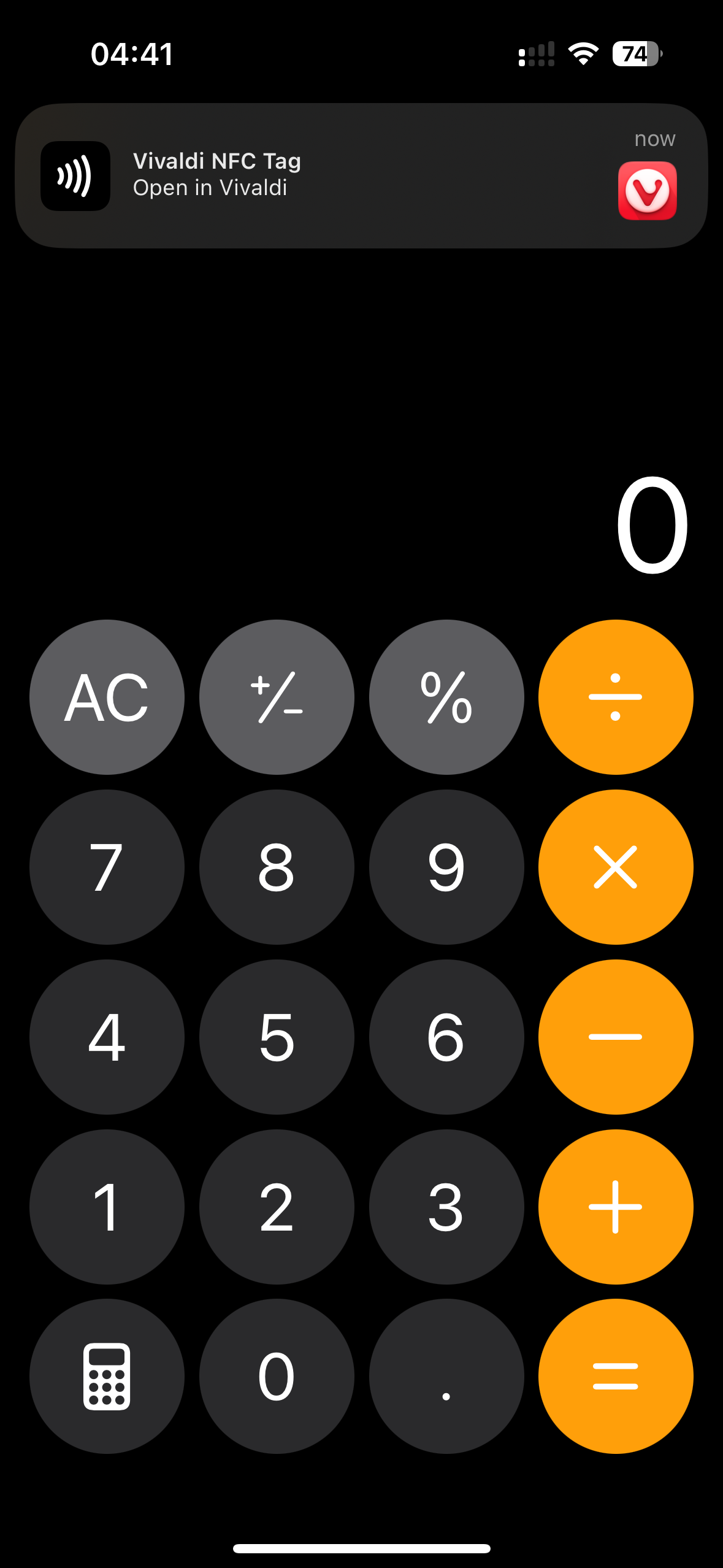
I don't know if it's Vivaldi doing that, but I can't imagine they would have added NFC tag reading capability to the browser specifically.
Feel free to email me if you want, btw, as this thread is getting a bit too deep.
If you try to have another iPhone detect the badge, it appears not to work - unless you use NFCTools on that iPhone, too. I don't have conclusive proof but that's what the evidence seems to indicate.
Are you seeing something different?