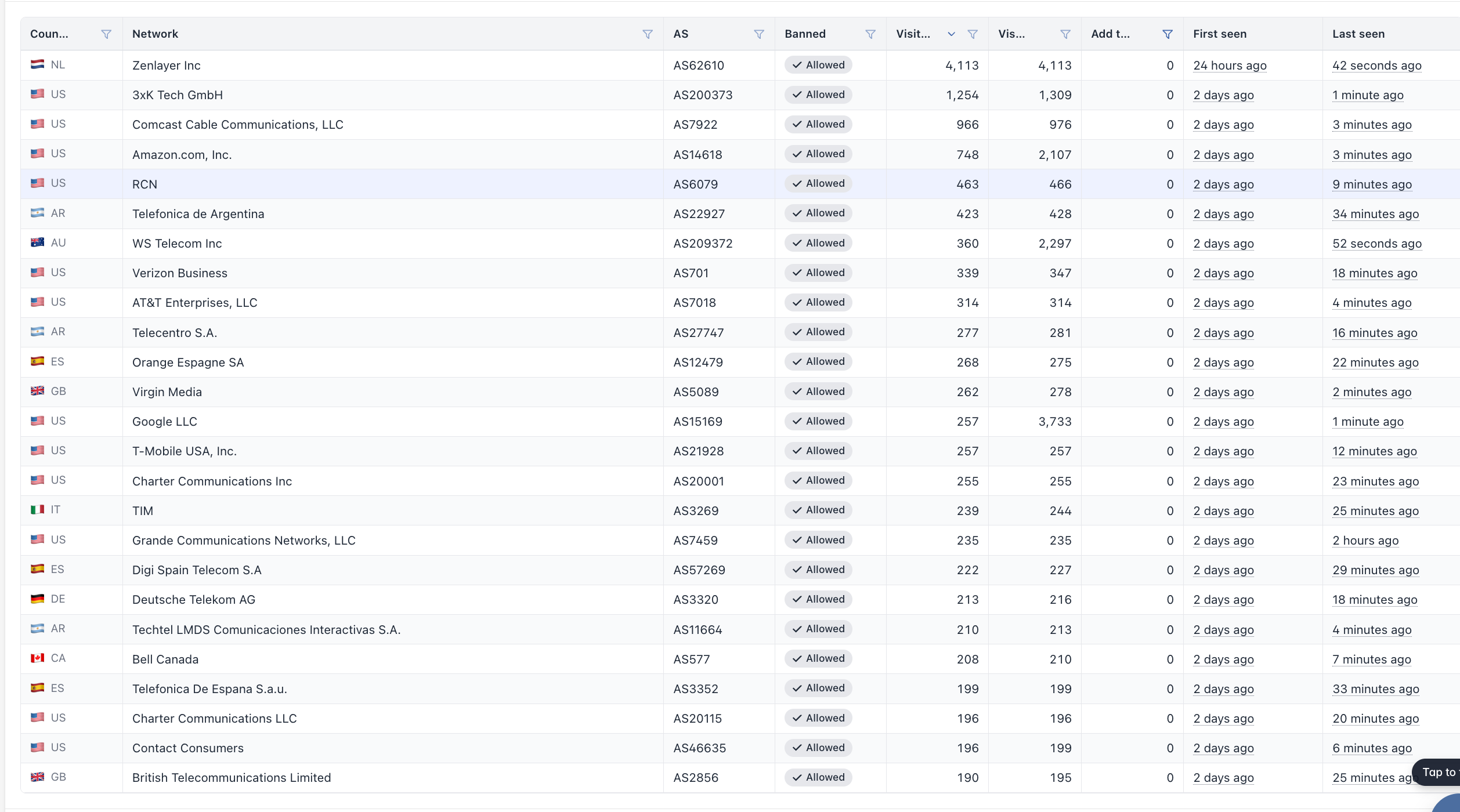
Assuming your site has no dependency on Amazon EC2:
    fetch_aws()
    {
     curl -s \
     -H "Accept-Charset: UTF-8" \
     -H "Accept-Encoding: gzip, deflate" \
     -H "Accept: text/html,application/xhtml+xml,application/xml;q=0.9,*/*;q=0.8" \
     -H "Accept-Language: en" \
     -H "User-Agent: Mozilla/5.0 (Windows NT 11.1; rv:102.0; ) Gecko/20100101" \
     -H "Cache-Control: 0" \
     -H "Host: ip-ranges.amazonaws.com" \
     -H "Connection: keep-alive" \
     --referer https://ec2.amazon.com/ \
     -o /dev/shm/aws.json \
     --url "https://ip-ranges.amazonaws.com/ip-ranges.json"
    grep ip_prefix /dev/shm/aws.json | awk -F "\"" '{print $4}' | sort -n | uniq
    rm -f /dev/shm/aws.json;
    };
Make sure that gives you CIDR blocks, then add it to a script and use a for loop to
for AWS in $(fetch_aws);do ip route add blackhole "${AWS}" 2>/dev/null
Google and Cloudflare if you need them:
    get_google()
    {
    for line in $(dig +short txt _cloud-netblocks.googleusercontent.com | tr " " "\n" | grep include | cut -f 2 -d :)
    do
            dig +short txt "${line}"
    done | tr " " "\n" | grep ip4 | cut -f 2 -d : | sort -n | uniq
    }

    get_cloudflare()
    {
    curl -A Mozilla "https://api.cloudflare.com/local-ip-ranges.csv"|grep -Ev "::|/32"|awk -F "," '{print $1}'|sort | uniq
    }
This assumes you have no need to connect to or get connections from Amazon on your web server. If your server is an instance in Amazon that will break DNS resolution unless you are using something outside of AWS for DNS. The gateway should still work just fine. Obviously test from an out of band console if that is an option. This is easier to maintain if you remove DNS records for IPv6 and eventually disable IPv6 listeners.
If you paste a couple of lines of the bots from your access logs I can offer more suggestions in the event they try from outside of Amazon.
If you want to have some fun, add a hidden link only the bot will see that points to http://cpanel.yourdomain.tld/ after adding a DNS record for cpanel that points to 169.254.169.254 so they start scraping the AWS cloud-init IP.